Never run the same
webinar twice.
AI runs it for you, and
the room stays warm.
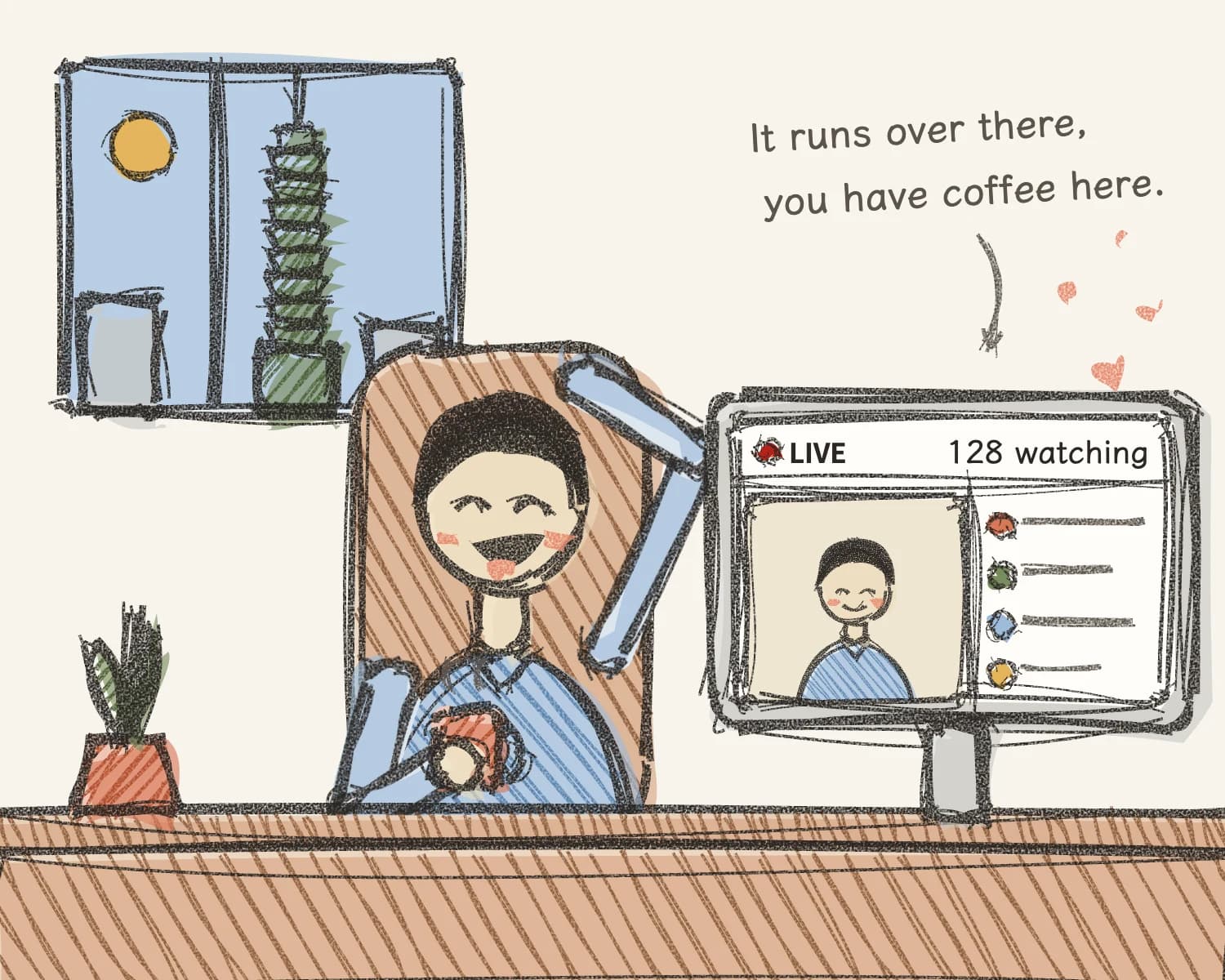
Upload a recording you already have. AI reads it through and takes over the whole session: it opens, keeps the pace, runs the polls, brings out the CTA and sends the people who want to buy to your checkout page. You don't show up.
Creating an account costs nothing. Billing starts when you pick a plan.
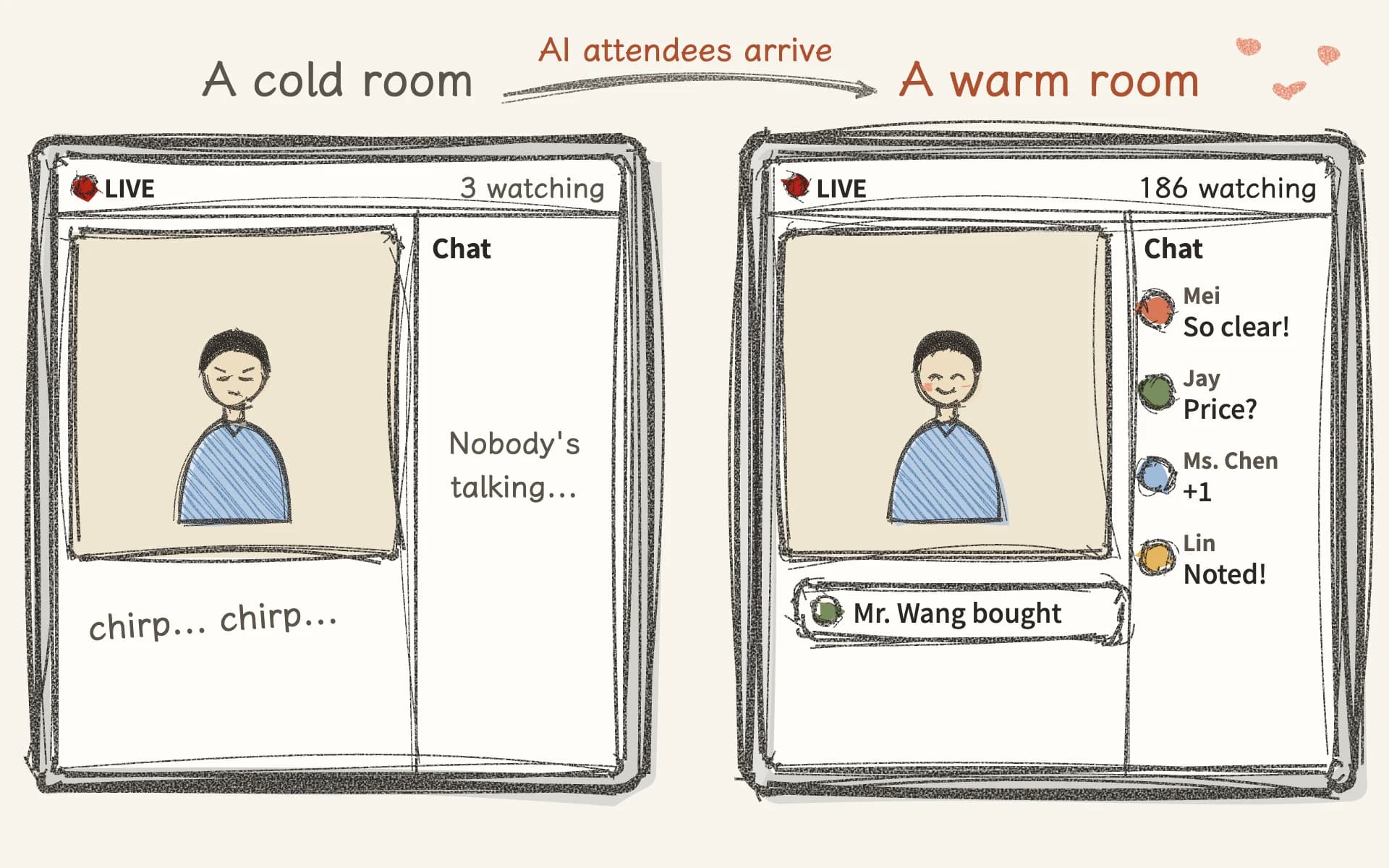
The worst thing isn't that nobody signs up.
It's that they do, and nobody says a word.
A webinar gone cold drives people away: the chat is silent, real attendees don't dare to speak first, and they leave before the halfway mark. Enkkor's AI attendees ask at the right second, pick up what somebody else just said, and a purchase notification appears the moment the CTA comes out. Once the room is warm, real people start talking too.
You do one thing
 01
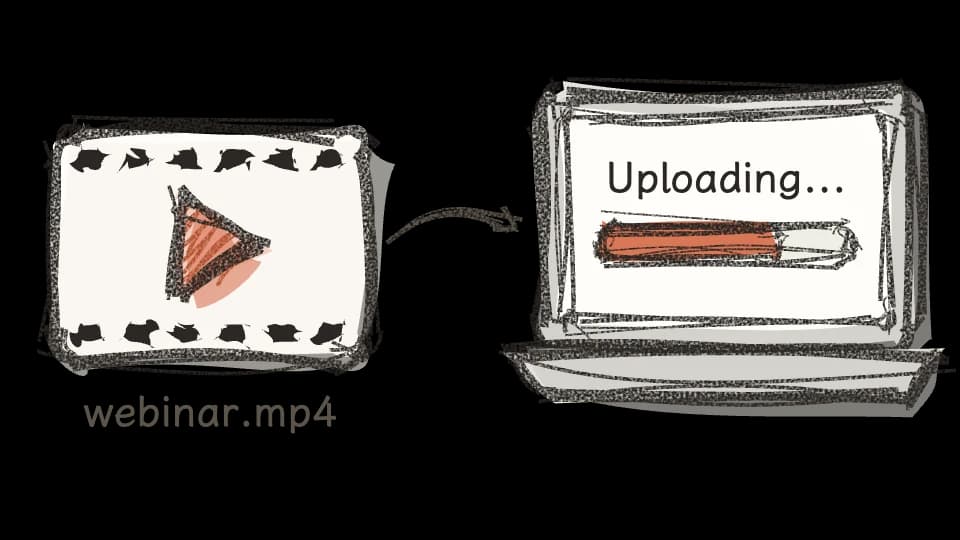
01Upload
A recorded video file — just drag it in. The transcript is made for you, so there is nothing to prepare first.
 02
02Generate
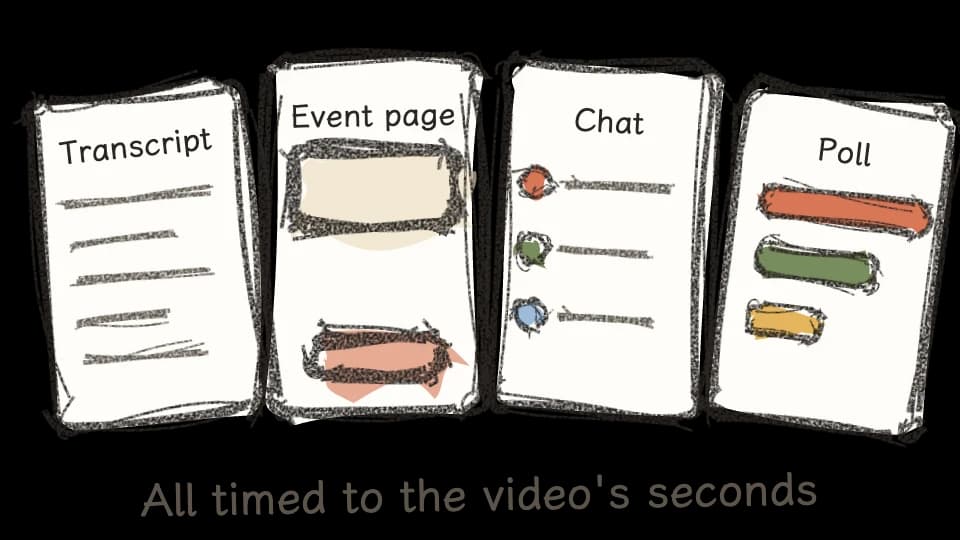
Attendees, messages, polls, the CTA card and the attendee count, all lined up against the seconds of your video. Edit any line, or regenerate a whole stretch.
 03
03Go live
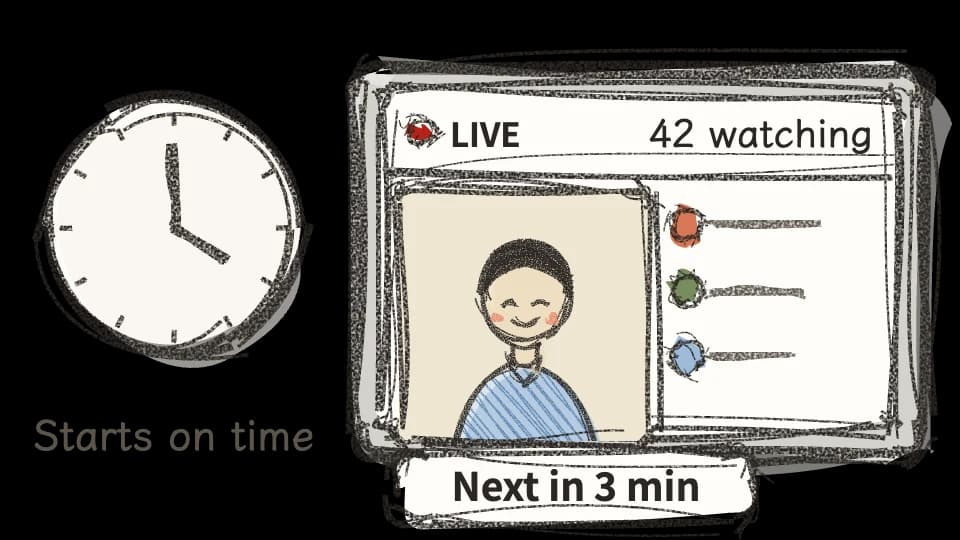
Within the open hours you set, the next session is always a few minutes away. It starts on time and runs to the end by itself — you don't have to be online, and nobody has to watch over it. The registration page and the room each have a public address of their own, ready to run ads to.
upload the video.
I'll line up the rest.
What it writes for you in a session
Six things, and you can edit every one of them, line by line, before you go live.
Messages timed to the second
Every line hangs on a second of the video. When the video gets to pricing, the chat is asking what it costs; when it gets to a case study, somebody asks whether it applies to their line of work. This is the heart of the whole thing — and the one most worth reading line by line before you go live.

Attendees who talk
Characters with a name, a background and a voice of their own, each asking about what they care about.

Polls
Questions and options grow out of the video, appear in the minute they belong to, and show the result on the spot.

Attendee count
It follows the come-and-go curve of a real webinar: it climbs, and it drops.
Purchase notifications
A note that somebody has ordered, appearing just after the CTA card comes out — not before the pitch has been made.

Event page images
A hero image and stills picked out of the recording and placed on the registration page. Prefer your own pictures? Swap them in.
Ms. Lin · attendee
I run a restaurant. Does this work for us too?
Moderator (you)
It does! The presenter covers a restaurant case at minute 18.
Real attendees type.
Reply when you feel like it.
The people who register really can ask questions in the room. You, or any colleague, can join a session that is already running and answer as the moderator — the answer appears in the chat, right in front of the person who asked.
It is you answering, not AI. If nobody goes in, the session runs to the end all the same.
Available from the Growth plan
A monthly fee plus points. No free trial
A one-hour webinar — the transcript plus generating live content — takes about 2,500 points.
Creating an account costs nothing. Billing starts when you pick a plan.
Starter
NT$2,800 / month
- 1 webinar live at once
- 14,000 points a month (about 5 webinars)
- 100 attendees a month
Growth
Live replies includedNT$4,000 / month
- 4 webinars live at once
- 22,000 points a month (about 8 webinars)
- 2,000 attendees a month
Scale
NT$6,000 / month
- 12 webinars live at once
- 36,000 points a month (about 14 webinars)
- 10,000 attendees a month
All you need to bring is one recording you already have.
Opening, warming up the room, running the polls, bringing out the CTA, sending buyers to your checkout page — AI runs the whole session for you.
Create accountWhat a webinar takes
- Not yours to do: Open and warm up the roomAI
- Not yours to do: Run the pollsAI
- Not yours to do: Bring out the CTA, send to checkoutAI
- Upload one recordingYou